

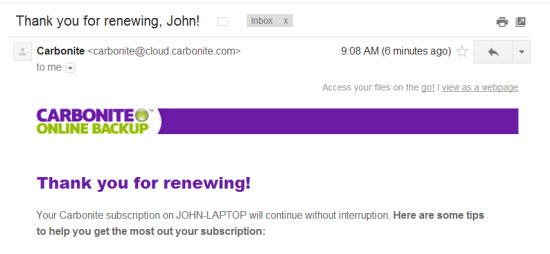
I'm covered for another year of daily automatic file backup.
Did your computer backup automatically last night?
How about yesterday?
As a Best Practice mine does every day. I need to do absolutely nothing. Every night Carbonite looks at my computer and makes a backup copy of any new files + any revised/changed files – I don't even have to remember to renew… Carbonite does that automatically as well. I grabbed the screenshot above, from the email confirmation I received this morning from Carbonite. After multiple failures of my hard drive (where I would have lost EVERYTHING) I consider this is the best $5.00 I spend each and every month.
With all of the valuable files you have on your computer, I can't believe how anyone would risk losing everything, if your computer was lost, stolen or you drop it on the floor like I tend to do 🙁
Just for fun, take a few moments and look through all of the files you have stored on your hard drive; all your local iTunes music files, years of digital pictures, home movies and tax/financial files. Much of my life is stored below this keyboard – I can't afford to lose any of it.
It's super easy to setup and there are options for Mac's and PC's.
P.S. You've no doubt heard about the CRYPTOLOCKER and how it can hijack all of your computer files and hold them for ransom. The only possible solution when this occurs, is to completely reformat your hard drive – wiping out everything and then restoring from a clean backup… if you have one.

John is a member on the AFS (Association of Fitness Studios) Advisory Council.
Holding certifications from; Schwinn, Heart Zones, Team ICG and Life Time Fitness, John's held regularly scheduled cycling classes between 1998 and 2015 when he moved to Florida.
When the weather permits, you'll find him riding and leading outdoor groups by himself or with his Tandem partner (wife) Amy.
- Random reflections on teaching with Power - October 30, 2026
- Training for hills and random rollers - October 24, 2026
- Connections - October 21, 2026